Update your profile, password, and account preferences
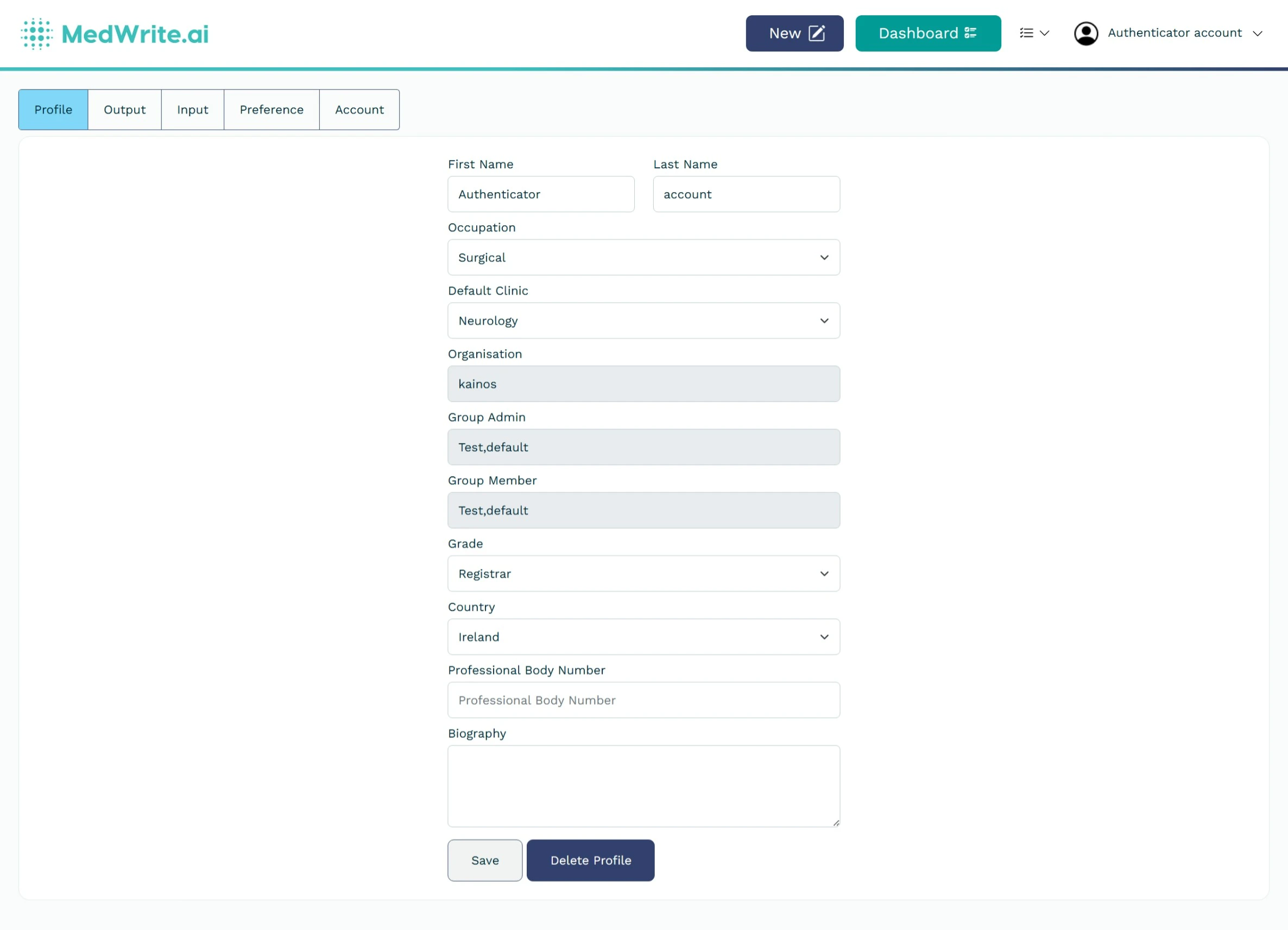
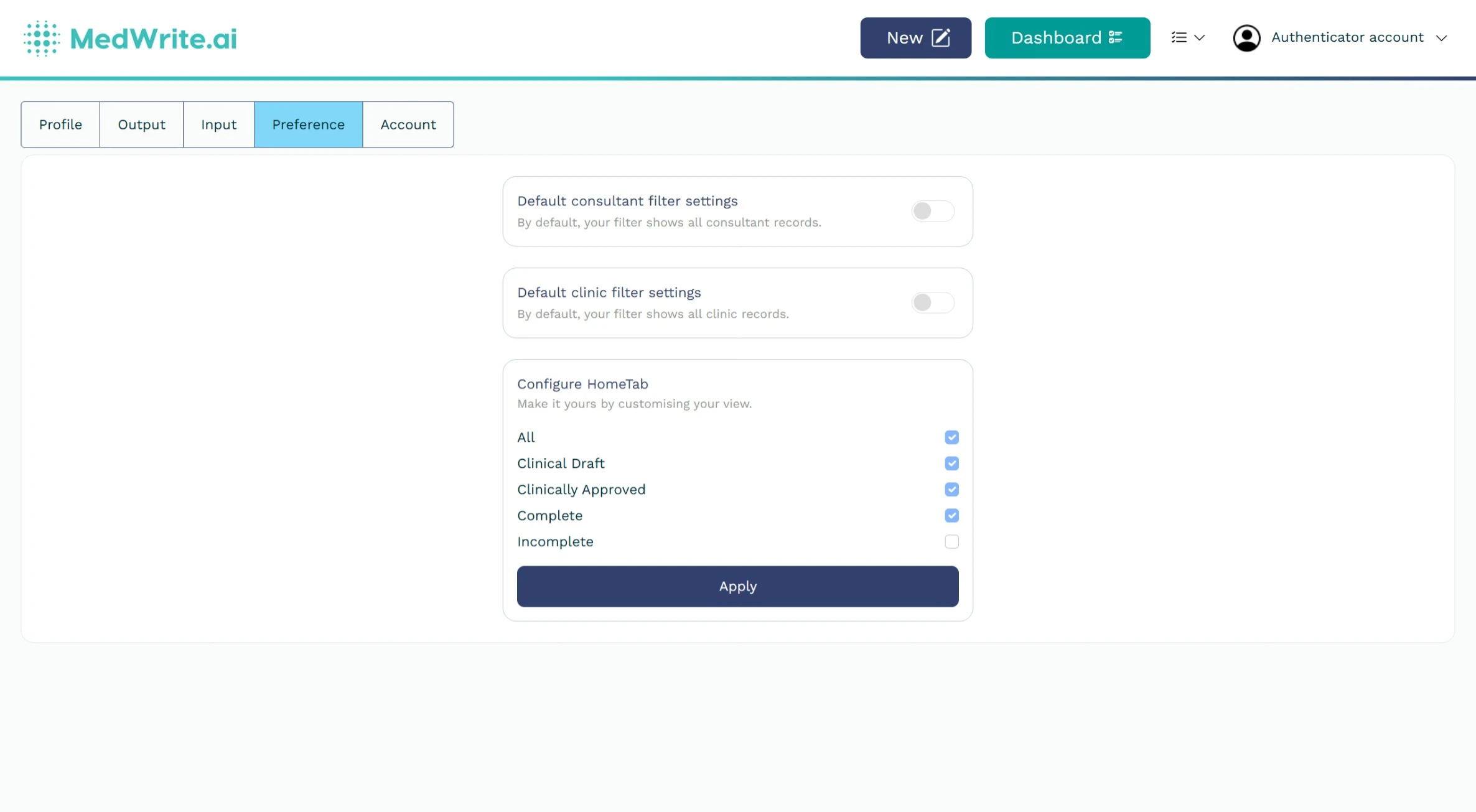
Your profile and account settings let you change your name, email, password, and preferences (for example output or input defaults). Use them to keep your account up to date.
1
Open profile or account settings
From the dashboard, open your profile or account settings (often via your name or an icon in the header). You will see sections for profile details, security, and preferences.
The exact location may be in the top-right menu or sidebar.
Profile or account settings page.
2
What you can change
Update your name, email, or password. Set preferences for output format or input defaults so they match how you work.
Edit the fields and save. Preferences apply to new records and letters.