
1
Where to search
The search field is usually on the dashboard or in the patients area. Type the patient’s name, ID, or another identifier to see matching results.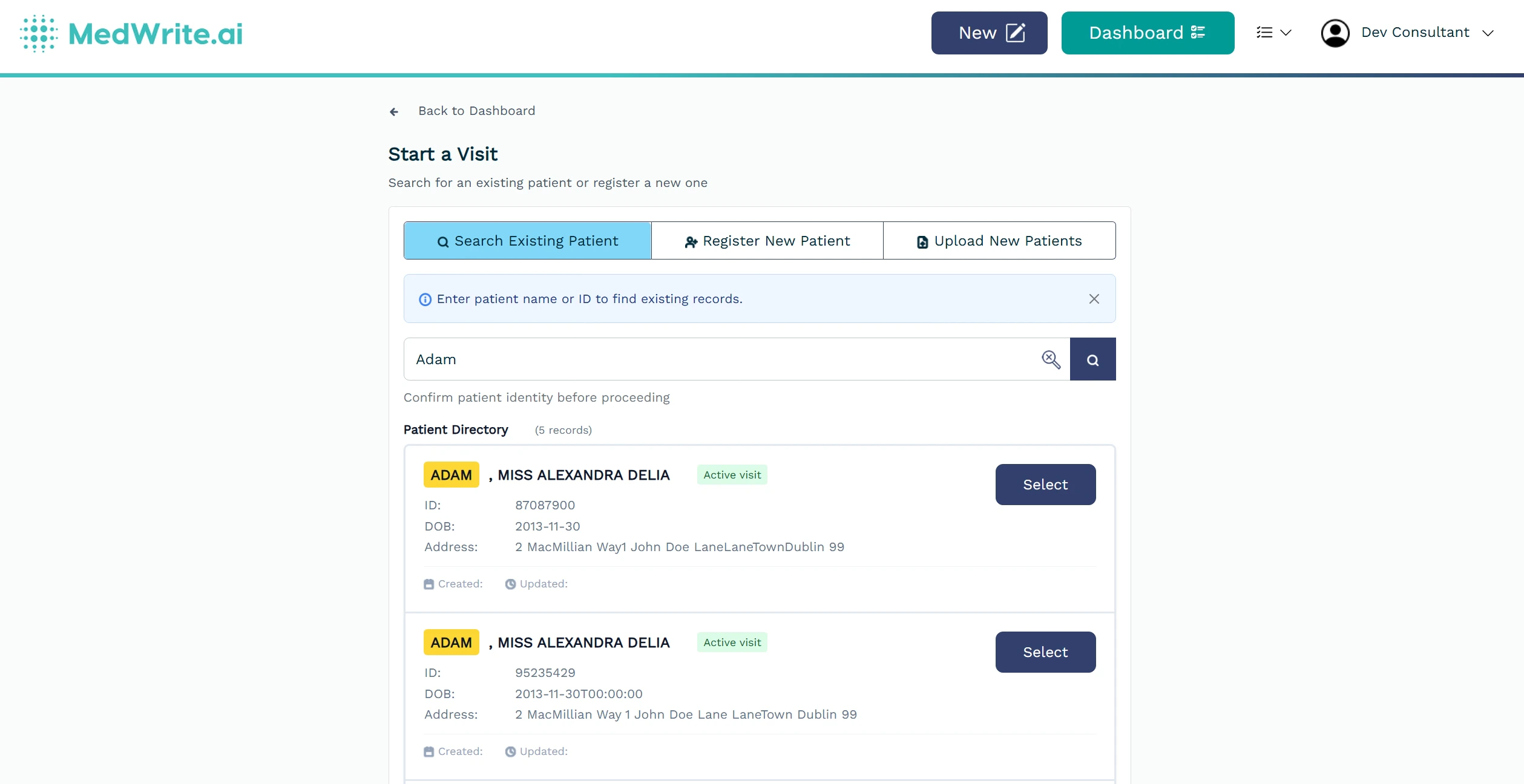
Use filters (e.g. clinic) if available to narrow results. Results update as you type.
Patient search field or search results.
2
After you find a patient
Select a result to open that patient. From there you can view or edit their details or create a new record for them.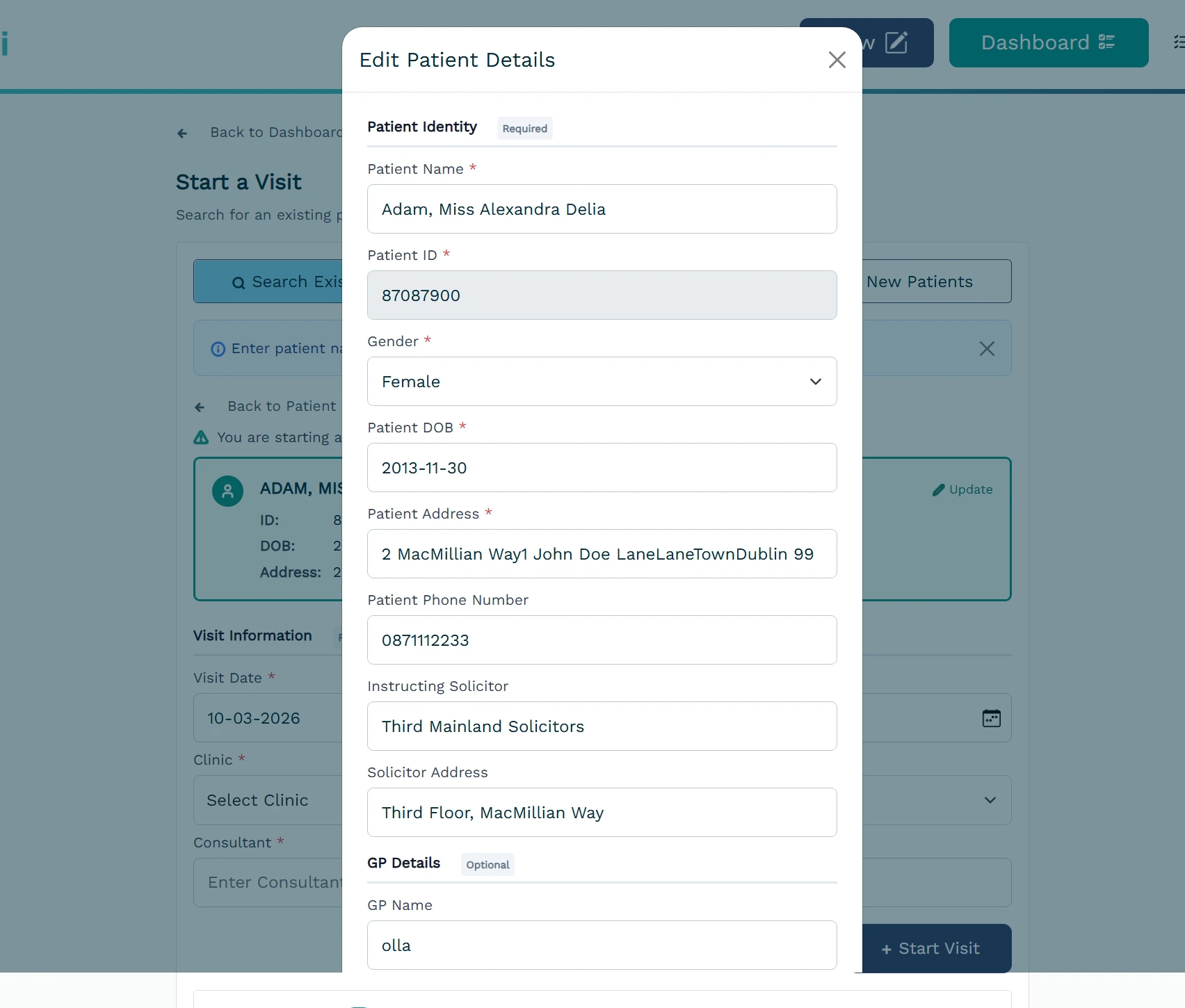
Click a result to open the patient. You can then edit details or start a new record for that patient.
Patient selected or patient detail view.
Next steps
Manage Patients
View and manage patient information.
Create Record
Create a new record for a patient.