Register to get access to MedWrite. You need an account to create records, use AI assistants, and manage clinical letters.
1
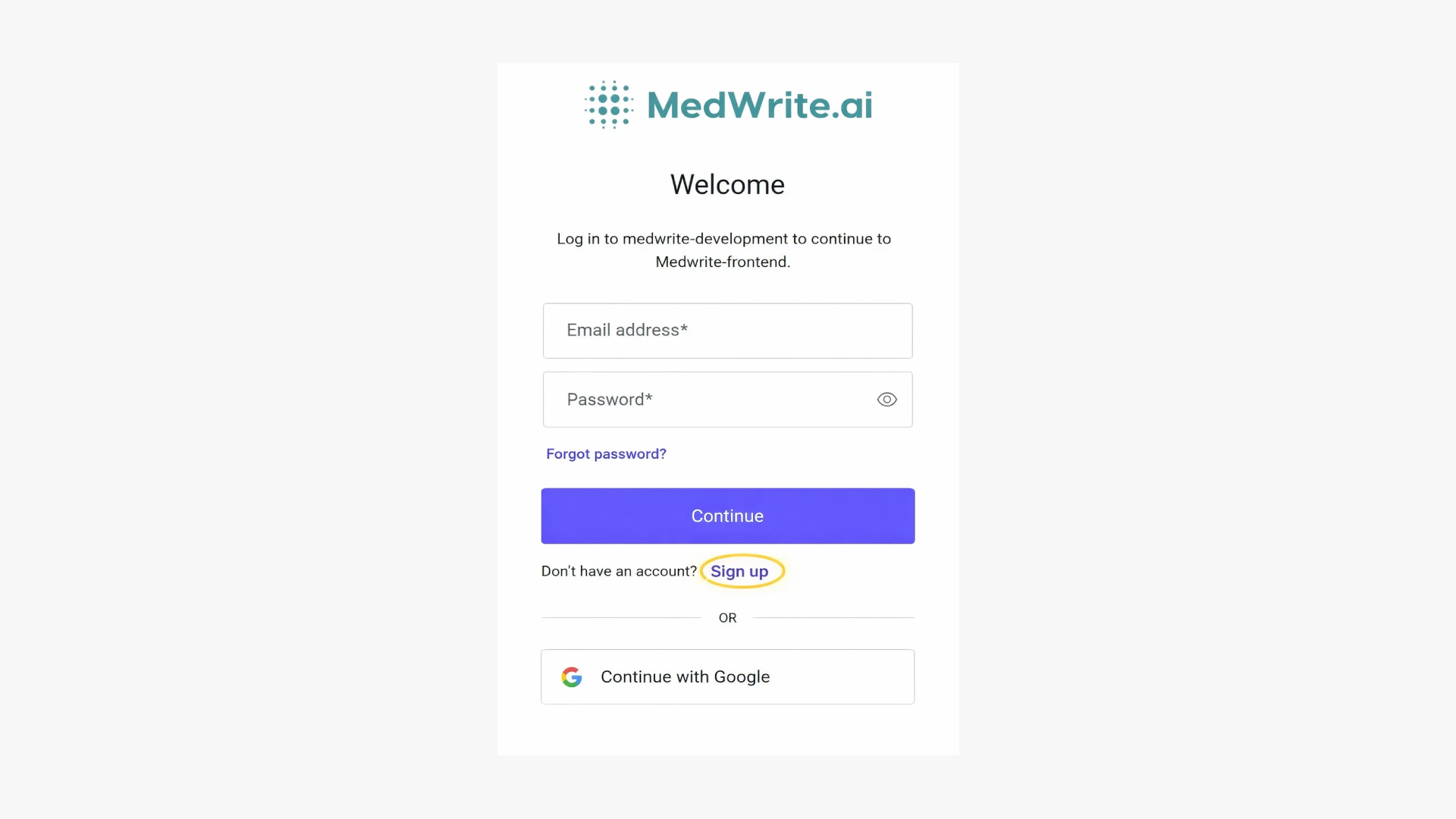
Click on Sign up
On the MedWrite site or login page, click Sign up to open the registration flow.
Sign up button or link.
0
Confirm Email
After you register, check your email for an activation link. Use it to activate your account so you can log in and use the dashboard.
3
Select the organisation
First, select your organisation on the registration page. This links your account to the right clinic or organisation.
Select organisation on the registration page.
4
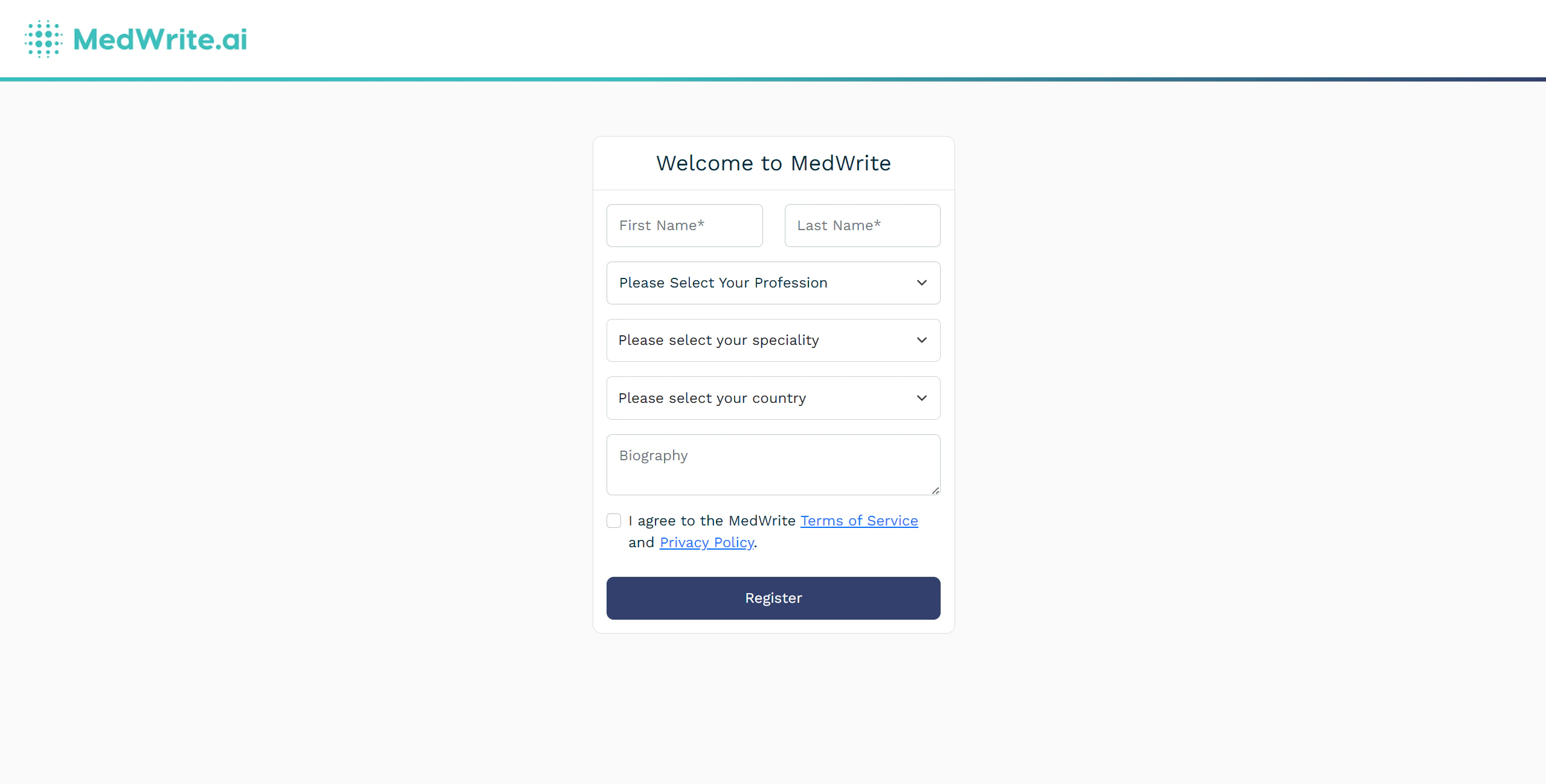
Fill in your data
Enter your details: name, profession, speciality, and country. Submit the form to create your account.
Registration form with name, profession, speciality, and country fields.
5
Confirm with your system Admin
After all your information has been added, and your information filled in, a system admin will have to accept your account and assign your permissions.
If you do not receive the activation email, check spam or request a new activation link from the login page.