You can send approved letters by email directly from the dashboard. This is useful for sending to GPs, patients, or other recipients. Medwrite does not automatically have this it will need to be configured with an organisation email.
1
Open send email
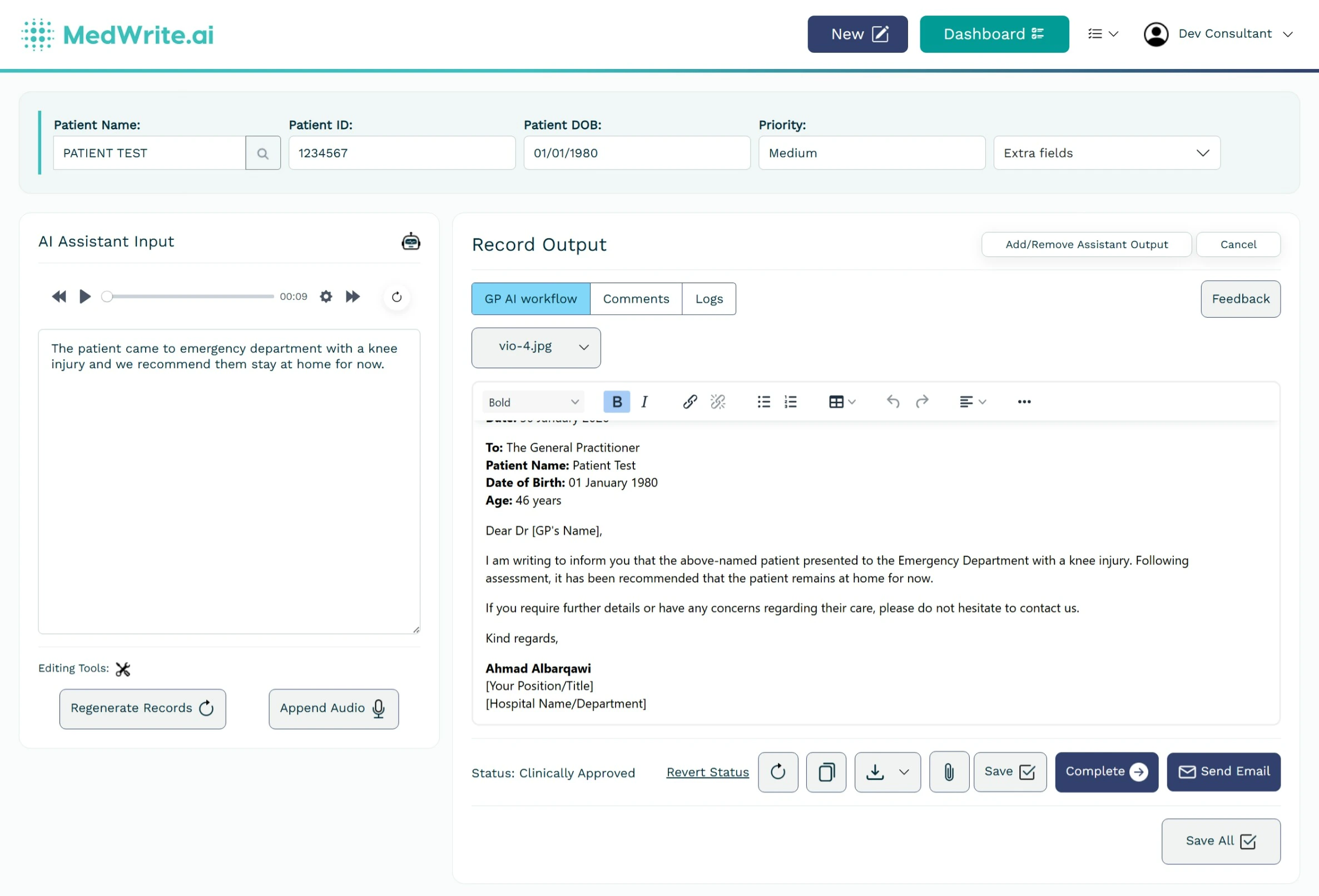
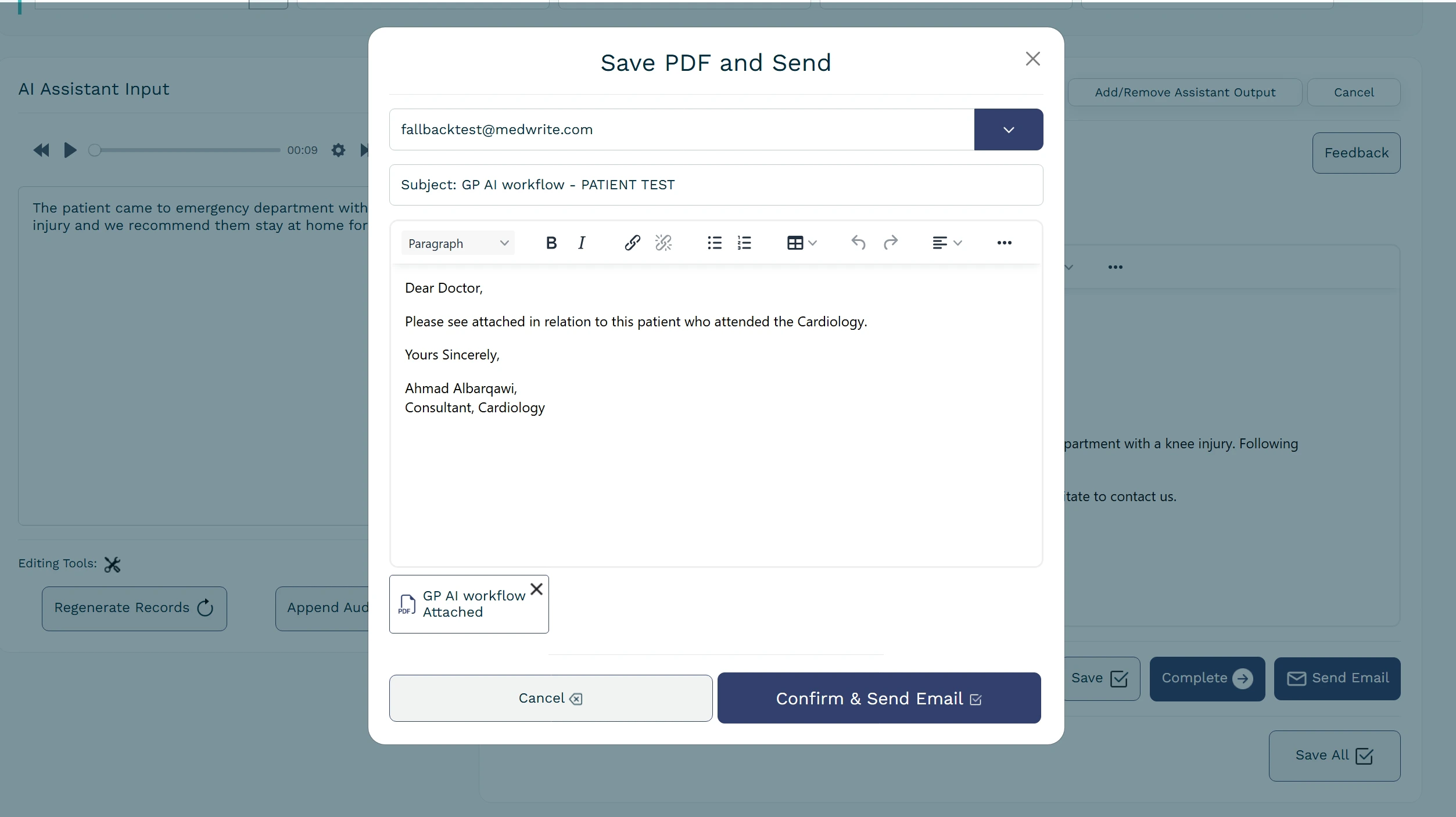
From the clinically approved section, open a letter and use the option to send by email. Enter the recipient address and add a message if needed.
Send email option on approved letter.
2
What gets sent
The letter PDF is attached to the email. The recipient receives the letter and any note you added.