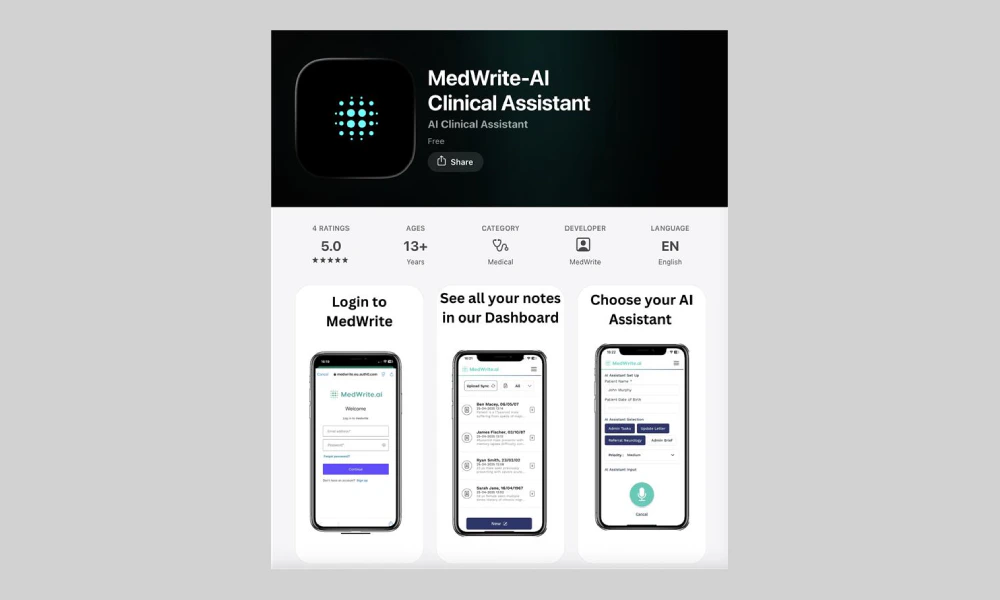
Get the app from the App Store (iOS) or Google Play (Android). You can also use a link from the MedWrite website or your dashboard.
You should see the MedWrite app listing with an Install or Get button.
App store or download page.
2
Install and open
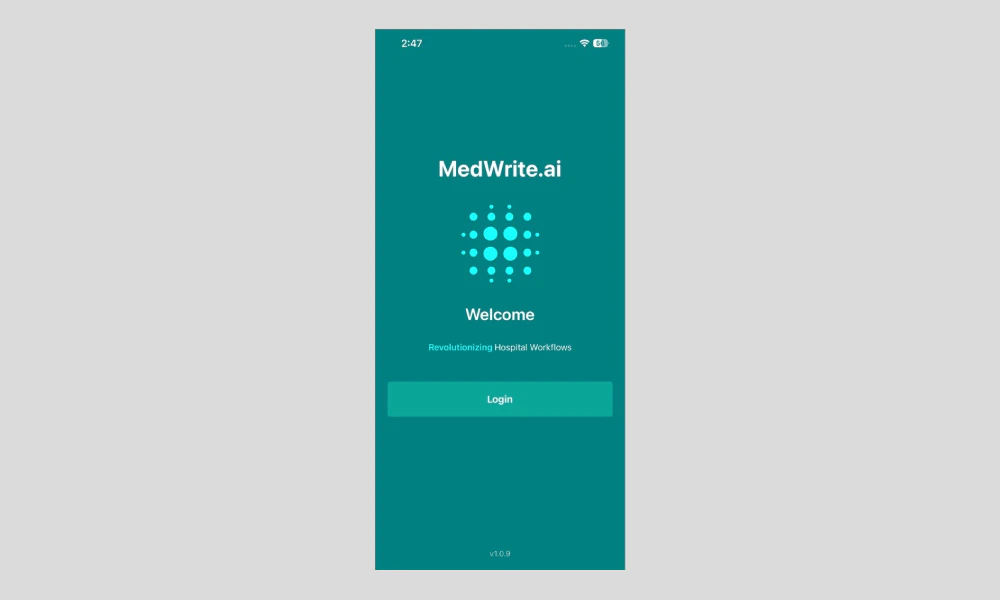
Install the app and open it. You will see the MedWrite login or welcome screen.
After opening, the app shows the login screen or dashboard if you are already signed in.
MedWrite app login or welcome screen.
3
Log in and sync
Log in with your MedWrite account. You can then record consultations, view records, and approve letters from your device.
Changes you make on the mobile app (new records, approvals, edits) sync with the web dashboard. You can switch between app and web and see the same data.