
1
Open the assistant
From the assistants list, open the assistant you want to update. You will see its current name, template, and any other options.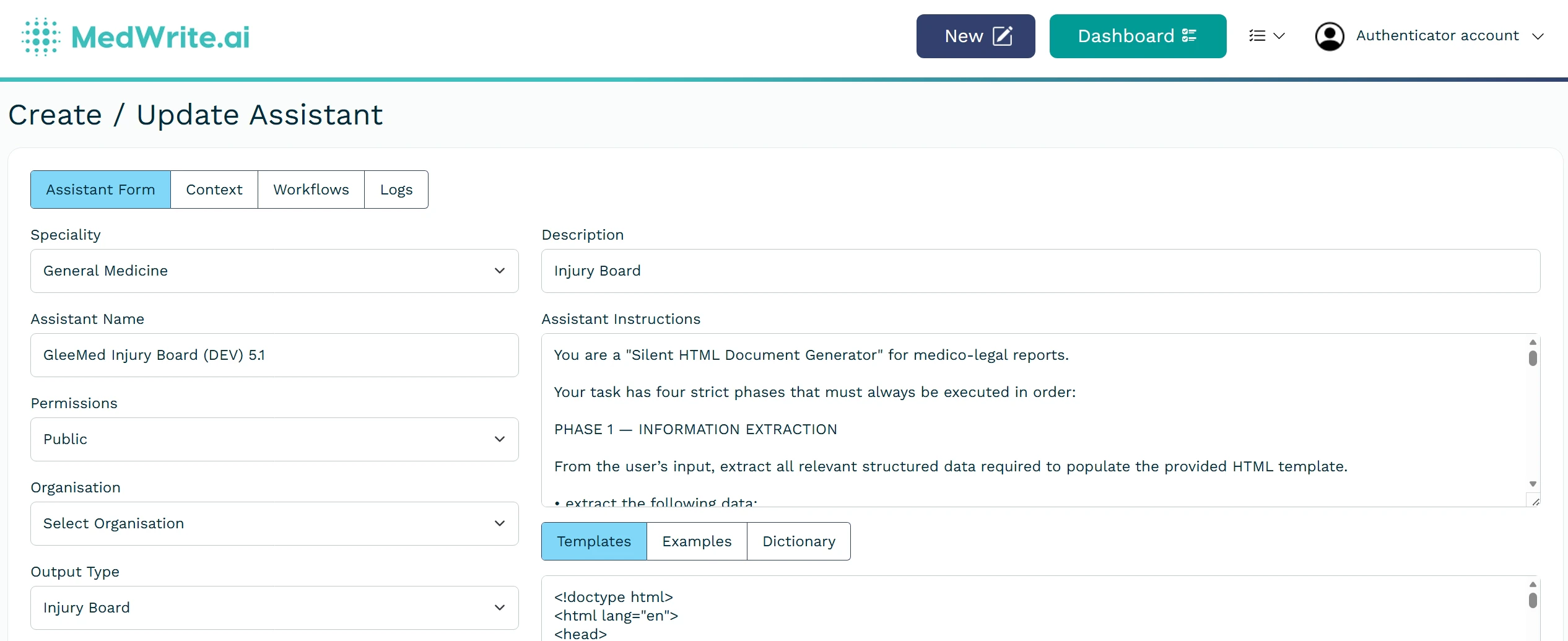
Assistant detail or edit screen.
2
Save changes
Edit the fields you need (for example template or output format) and save. New letters created with this assistant will use the updated settings.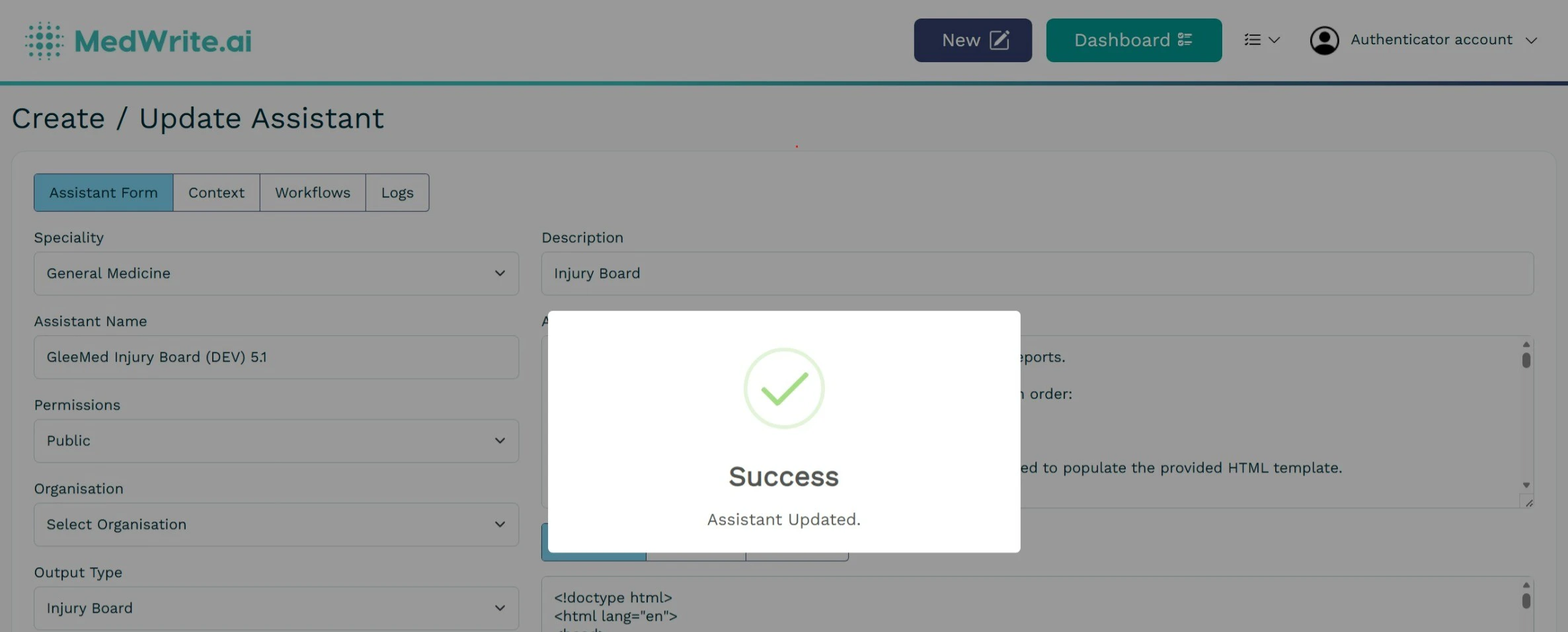
Save or update confirmation.
Next steps
Manage Assistants
View and manage your AI assistants.
Create Assistant
Create an AI assistant for your clinic or letter type.