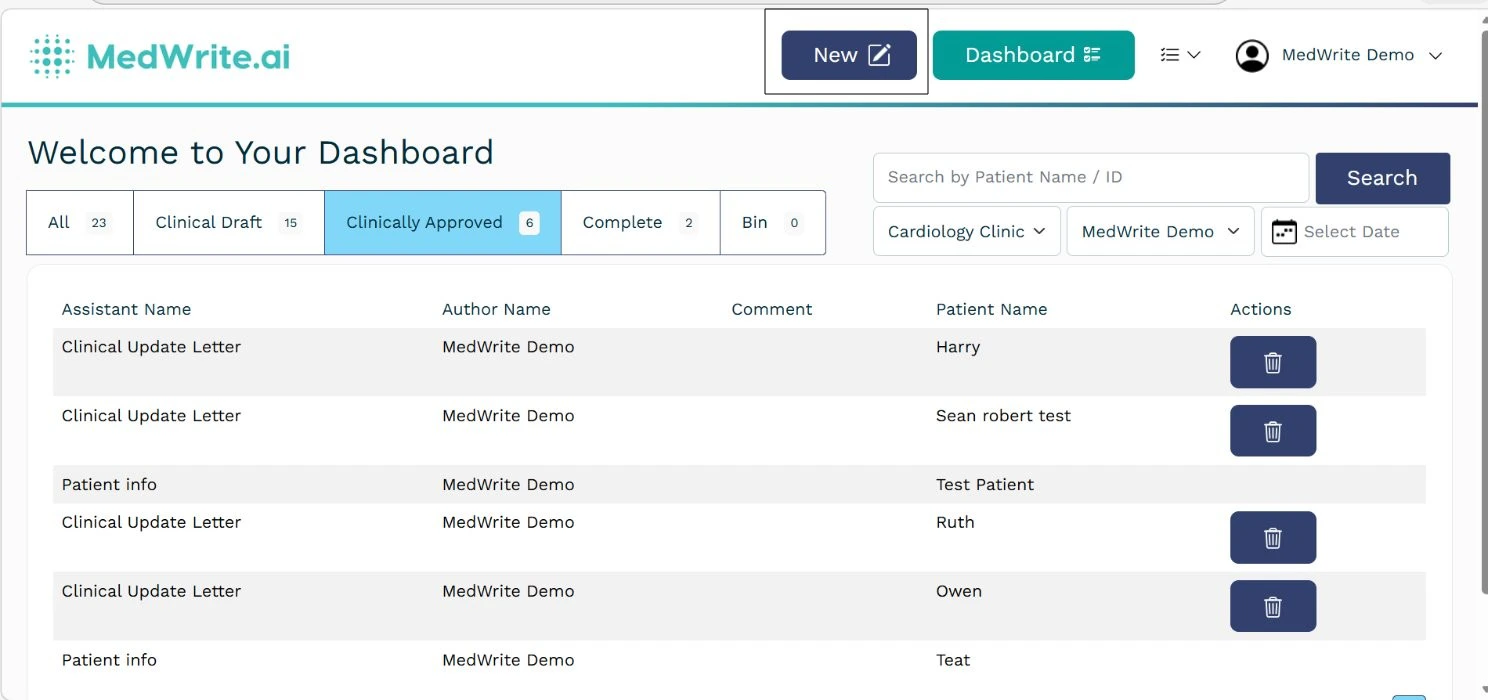
The new records area is where you start creating a record. You can open it from the dashboard to begin a letter or consultation note.
1
Where to find it
On the dashboard, use New or the new record entry point. You are taken to the create letter screen where you add patient details and choose your assistant.
Dashboard with New or new record option.
2
After starting a new record
You complete patient details, choose record or manual input, and then review the letter on the letter page. See Create Record for the full flow.