
1
Open and review
Open a record or letter in the app to review the content. When it is ready, use Clinically approve to mark it as approved.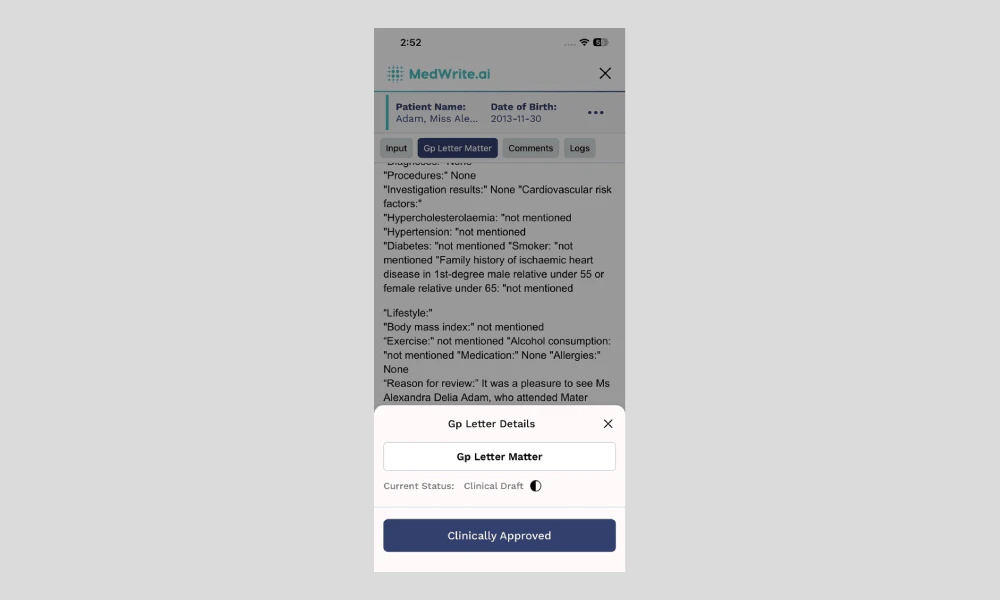
Tapping Clinically approve marks the letter as clinically approved. The record then appears in the clinically approved section on the web dashboard.
Mobile app letter view with approve option.
2
After approval
The approved letter is available for export or email from the dashboard. You can also export from the app if that option is available.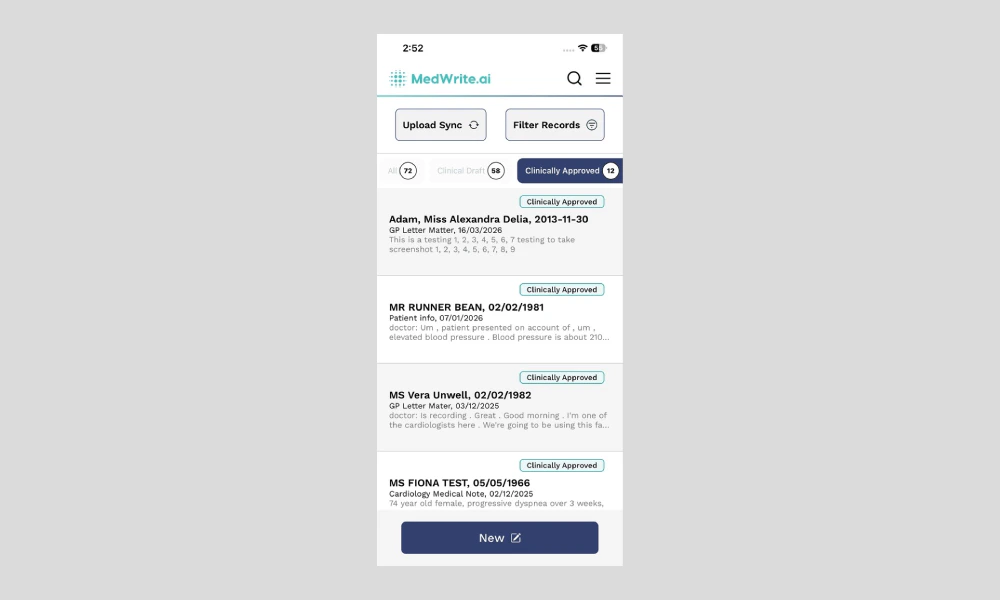
The approved letter appears in the clinically approved section on the web dashboard.
Approved confirmation or export option.
Next steps
Review Records
Review records and letters on the mobile app.
Search Records
Search for records or letters on the mobile app.