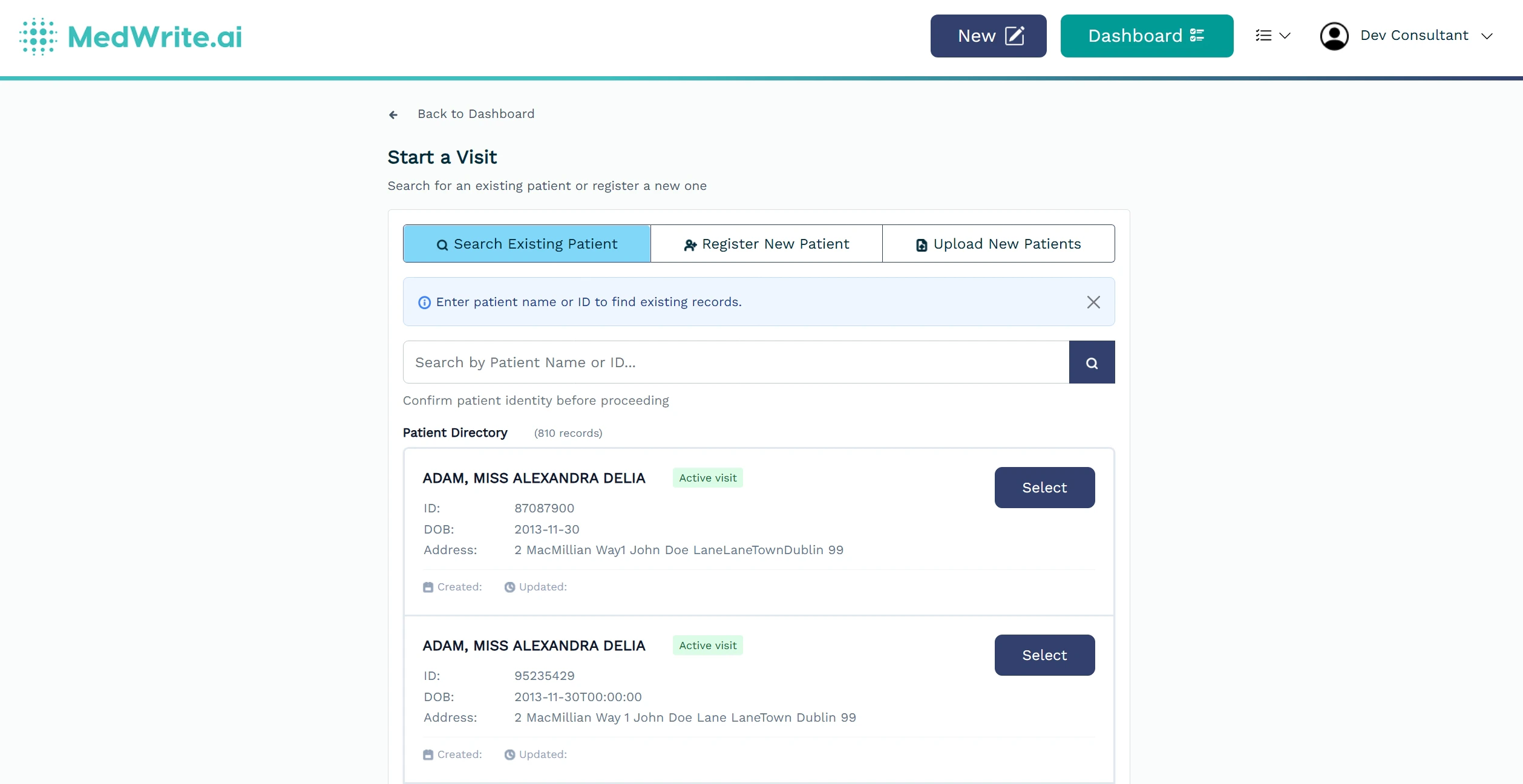
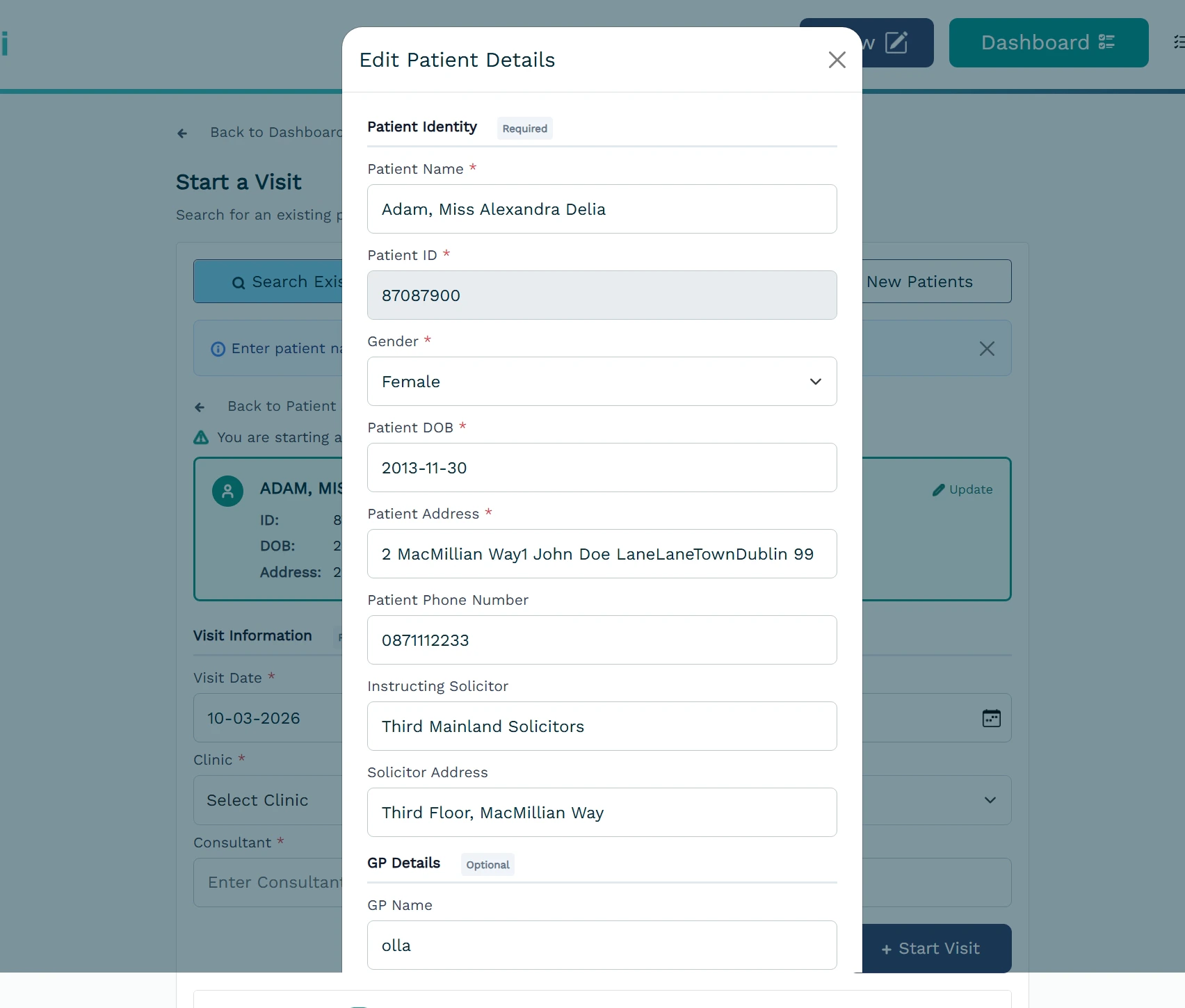
The patient list table shows your patients in a table. You can see key details at a glance and open a patient to view or edit, or to create a record.
1
What the table shows
Columns typically include patient name, ID, and maybe clinic or last activity. Use the table to scan and find the patient you need. You can sort by column if the table supports it.
Use search or filters above the table to narrow the list. Click a column header to sort if supported.
Patient list table with columns.
2
Opening a patient
Select a row to open that patient’s details. From there you can edit information or start a new record for them.
Click a row to open the patient. You can then view or edit details or start a new record for that patient.