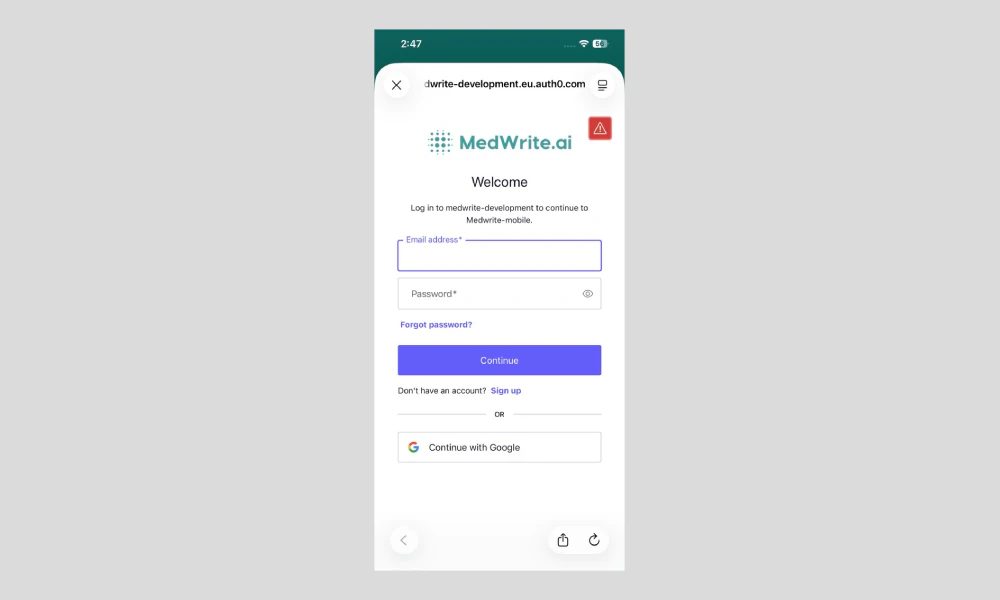
After you register, you need to activate your account before you can log in. Use the link sent to your email to activate.
1
Check your email
Check the inbox for the email address you used to register. You will receive a message from MedWrite with an activation link.
2
Complete activation
Once you open the link, your account is activated. You can then log in to the dashboard or the mobile app.
You may see a success message and a button to go to login. If you did not receive the email, check spam or request a new activation link from the login page.