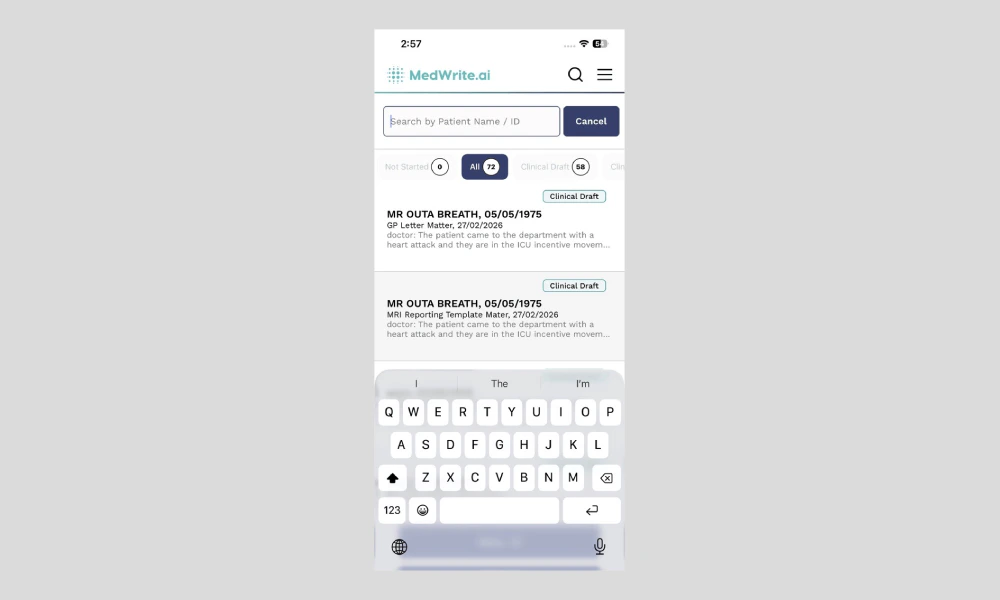
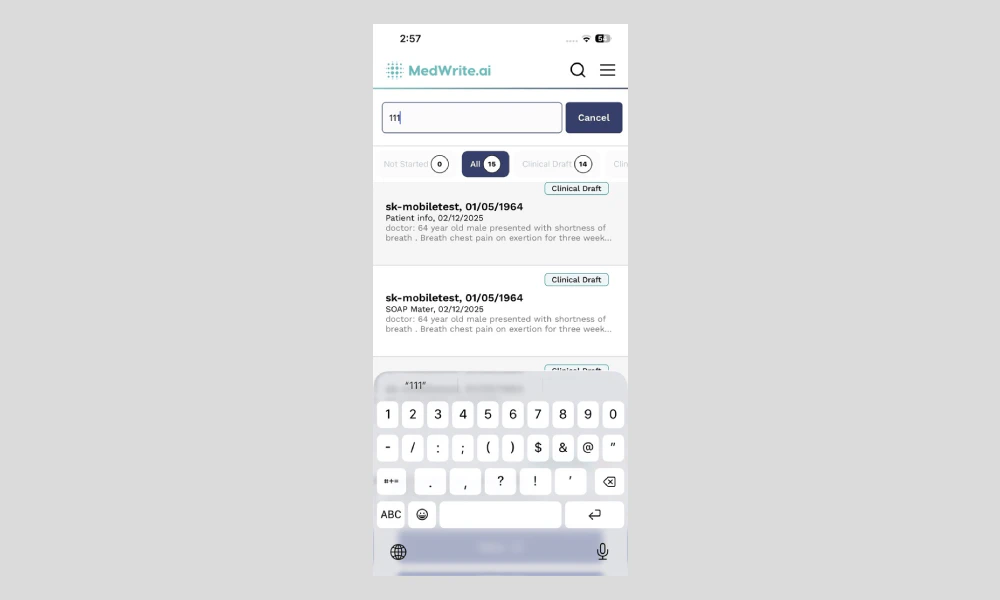
Use search on the mobile app to find a specific record or letter. You can search by patient name, date, or other details depending on what the app supports.
1
Open search
Open the search field in the app (often at the top of the records or dashboard screen). Type the patient name, date, or keyword to see matching records.
Results update as you type. You should see a search icon or input at the top of the screen.
Mobile app search field or results.
2
Open a result
Tap a result to open that record or letter. You can then review, edit, or approve it from the app.
Tapping a row opens the full record or letter view.