Use the date filter to show only records or letters within a certain period. This helps when you need to find something from a specific day or week.
1
Where to set the date
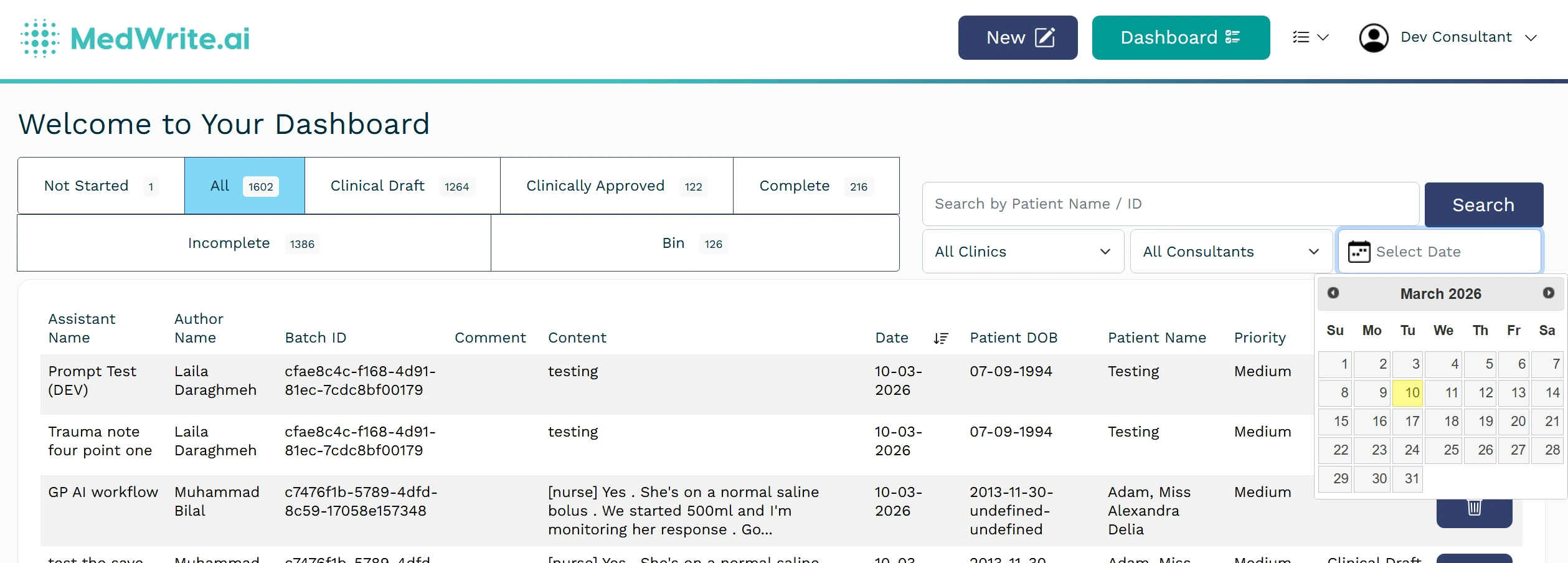
The date filter is usually near the top of the dashboard or list. You can pick a date range (from and to) or use presets such as today, this week, or this month.
Choose from and to dates, or use a preset (e.g. This week). The filter applies to the current list or dashboard view.
Date filter or date range picker.
2
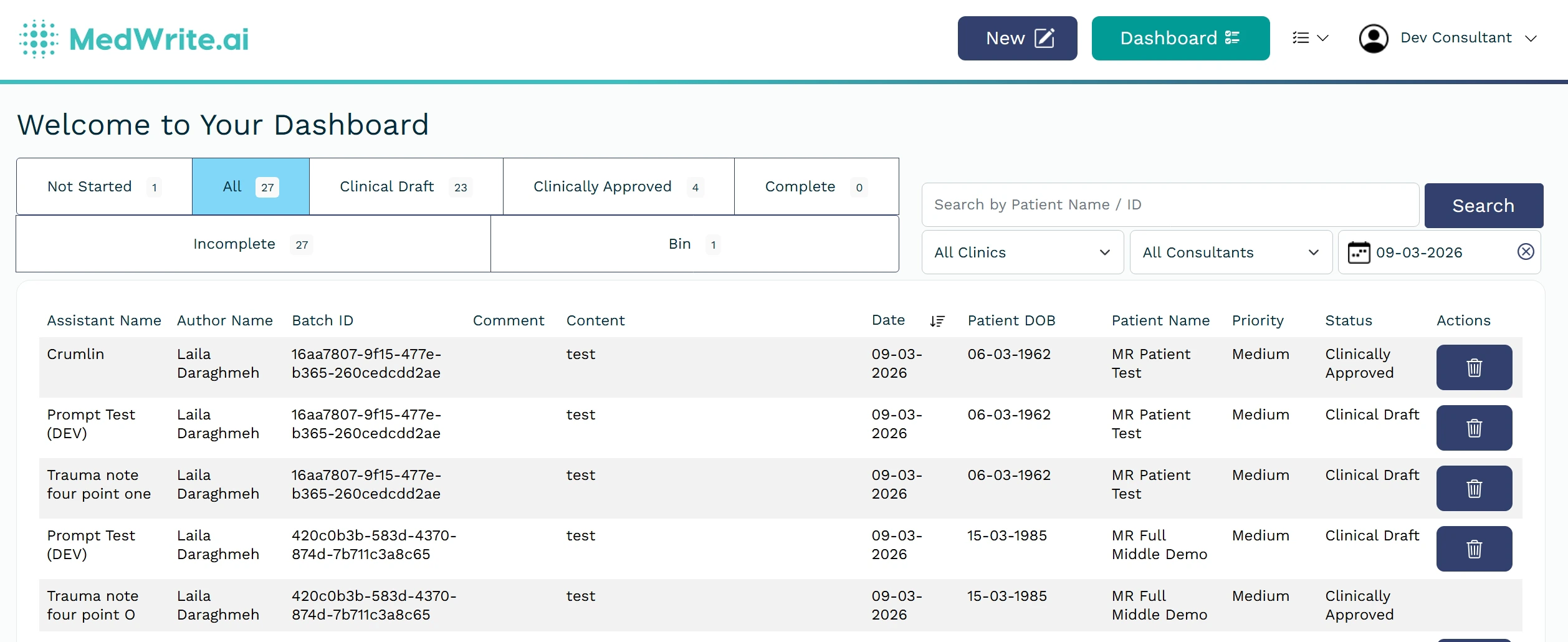
After filtering
The list shows only items within the selected range. Clear or change the date to see a different period.