
1
View records on the app
Open the records or letters section in the app to see your list. Tap a record to open it and view the transcript and generated letter.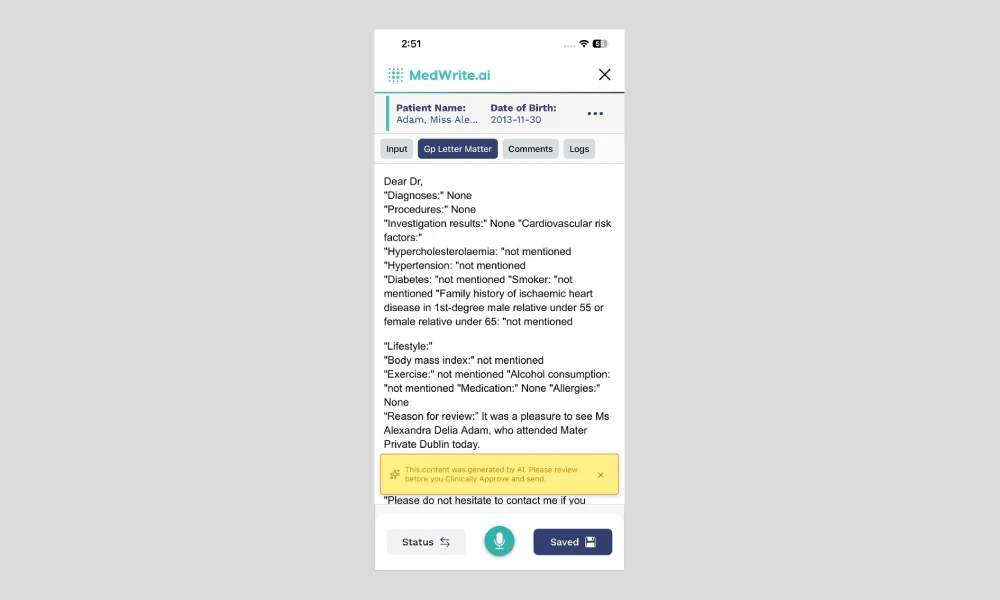
Tapping one opens the full letter and transcript. You should see a list of records or letters, often with patient name and date.
Mobile app records list or letter view.
2
Edit and approve
Edit the letter text in the app as you would on the web. When you are happy with it, use Clinically approve or Mark as complete.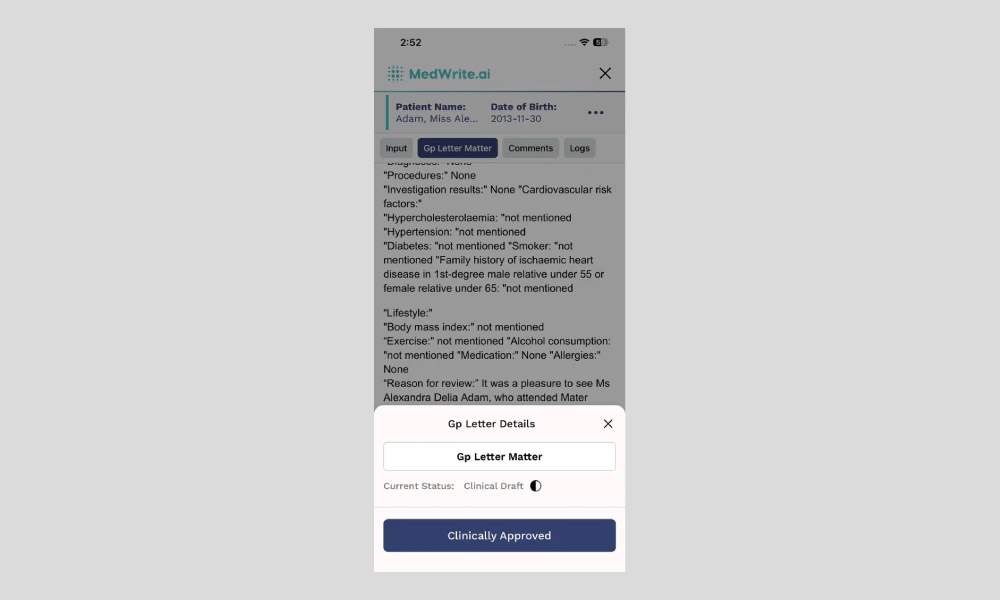
Changes sync to the dashboard so you can also export as PDF or Word from the web.
Edit letter or approve on app.
Next steps
Approve Records
Clinically approve records from the mobile app.
Search Records
Search for records or letters on the mobile app.