> ## Documentation Index
> Fetch the complete documentation index at: https://docs.medwrite.ai/llms.txt
> Use this file to discover all available pages before exploring further.

# Search Records

> Search for records or letters on the mobile app

Use search on the mobile app to find a specific record or letter. You can search by patient name, date, or other details depending on what the app supports.

<Steps>
  <Step title="Open search">
    Open the search field in the app (often at the top of the records or dashboard screen). Type the patient name, date, or keyword to see matching records.
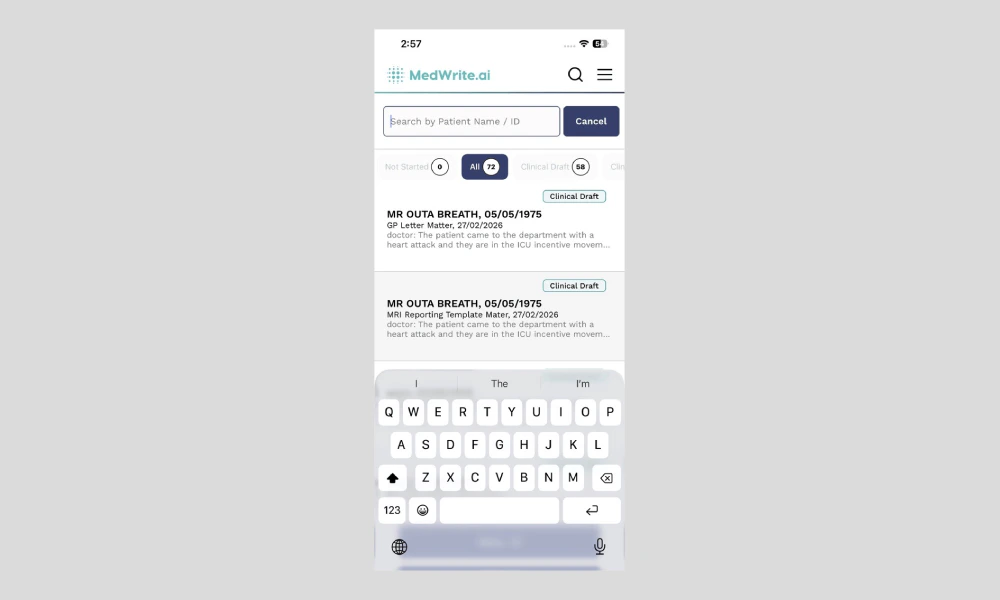
    <Frame hint="Results update as you type. You should see a search icon or input at the top of the screen." caption="Mobile app search field or results.">
      <img src="https://mintcdn.com/medwriteai/pkwu_NMHKTzVXNda/images/search-records-mobile/mobileSearchInput.png?fit=max&auto=format&n=pkwu_NMHKTzVXNda&q=85&s=7f89f91798fbe0200cbbe7838f98571a" alt="Mobile app search field or results" style={{ borderRadius: '0.5rem', maxWidth: '100%' }} width="1000" height="600" data-path="images/search-records-mobile/mobileSearchInput.png" />
    </Frame>
  </Step>

  <Step title="Open a result">
    Tap a result to open that record or letter. You can then review, edit, or approve it from the app.
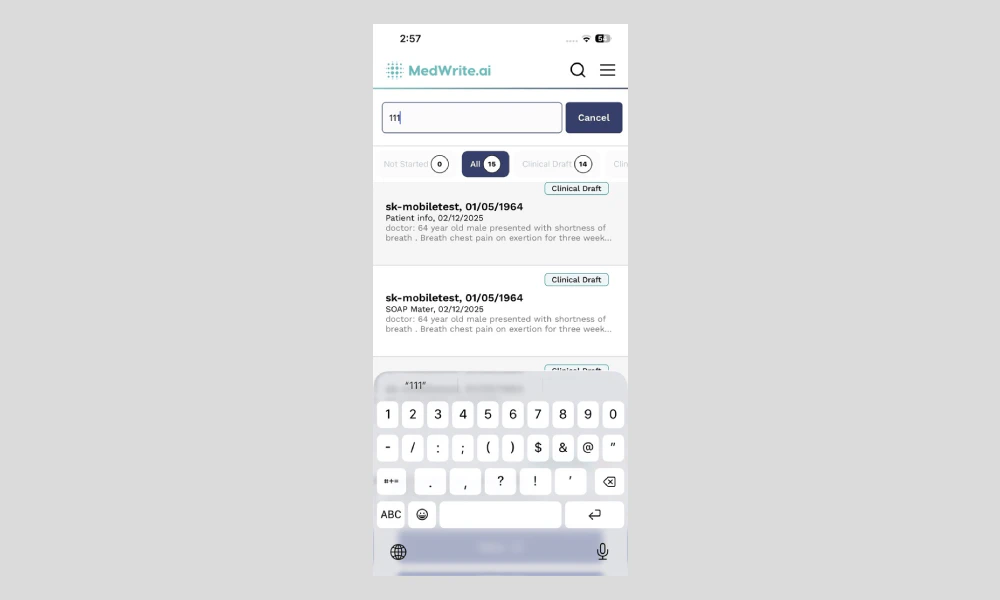
    <Frame hint="Tapping a row opens the full record or letter view." caption="Search result or record opened.">
      <img src="https://mintcdn.com/medwriteai/pkwu_NMHKTzVXNda/images/search-records-mobile/mobileSearchResult.png?fit=max&auto=format&n=pkwu_NMHKTzVXNda&q=85&s=b8265488974d0f6bac0f41baae533e50" alt="Search result or record opened" style={{ borderRadius: '0.5rem', maxWidth: '100%' }} width="1000" height="600" data-path="images/search-records-mobile/mobileSearchResult.png" />
    </Frame>
  </Step>
</Steps>

## Next steps

<Columns cols={2}>
  <Card title="Review Records" icon="clipboard-list-check" href="/essentials/review-records">
    Review records and letters on the mobile app.
  </Card>

  <Card title="Review Later" icon="calendar-clock" href="/essentials/review-later">
    Mark a record or letter for review later.
  </Card>
</Columns>
